Resources
Black Metal for Superset
A dark theme for Superset based on the Black Metal color scheme.
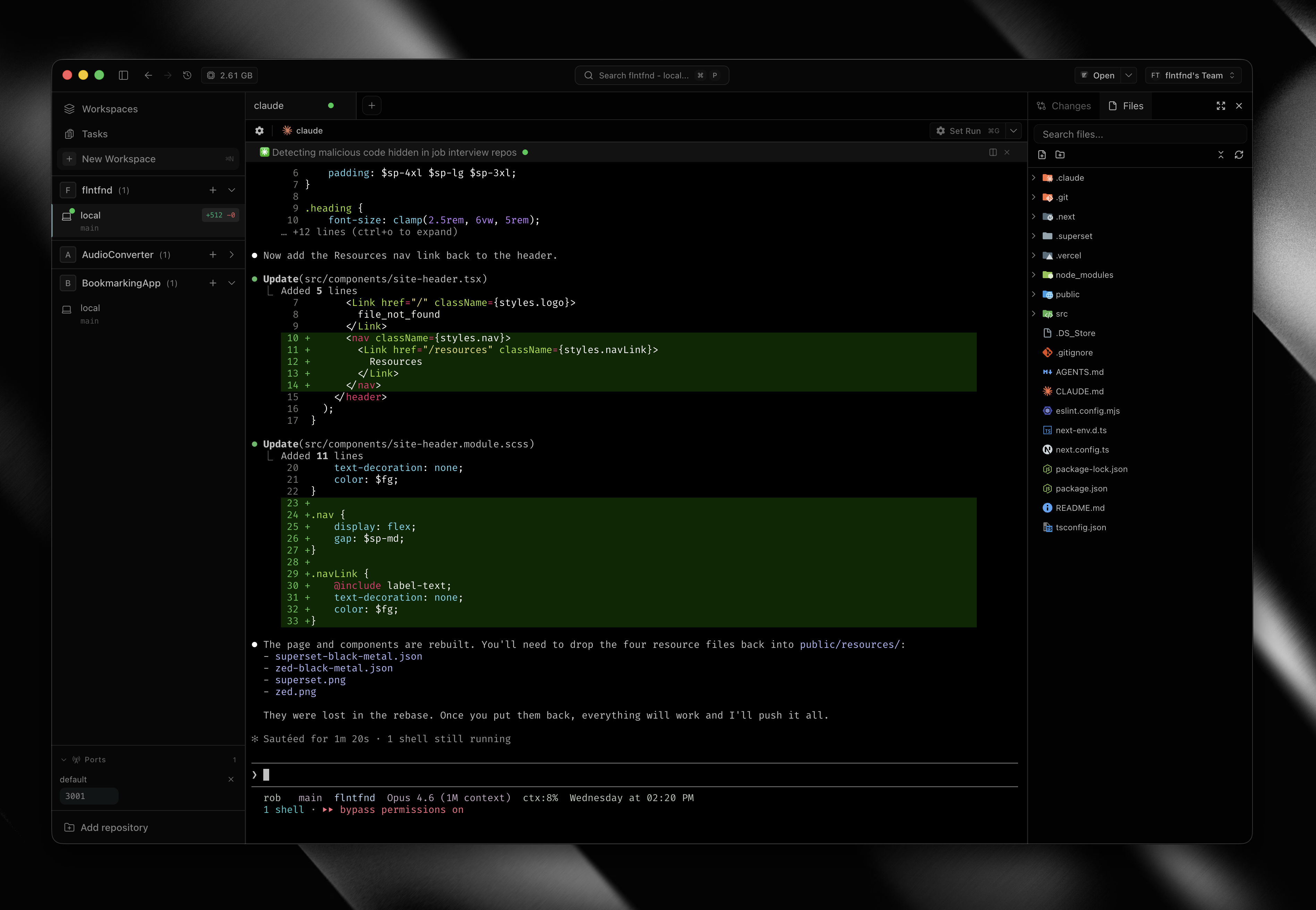
- Download the JSON file below.
- Open your Superset instance and navigate to Settings > Theme.
- Click Import Theme and select the downloaded file.
- Set Black Metal as the active theme and reload.
Download ↓
superset-black-metal.json
Black Metal for Zed
A dark theme for Zed based on the Black Metal color scheme.
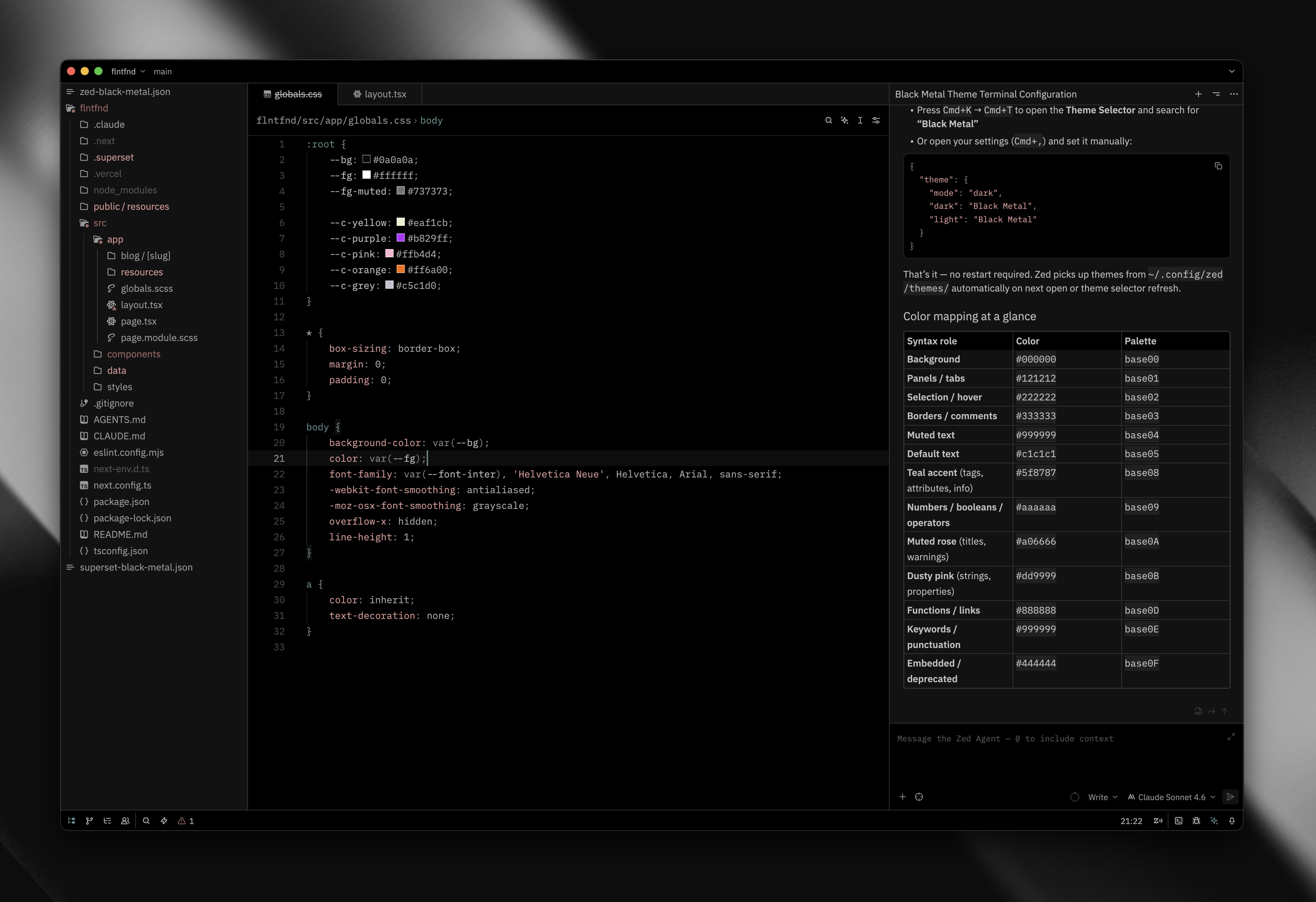
- Download the JSON file below.
- Open your Zed config directory: ~/.config/zed/themes/
- Copy the downloaded file into that directory.
- In Zed, open the command palette and run theme selector: select.
- Choose Black Metal from the list.
Download ↓
zed-black-metal.json